Media Orders are archived independently from Projects. Therefore when archiving a Project, linked Media Orders will not be archived along but remain under Pending, Done or Invoiced status in Toolbox > Media Orders tab.
Once a Media Order has been archived its status changes from Closed, Done/ Invoiced to Archived. The Users will always be able to easily find and restore closed and archived Media Orders, in order to reuse and review the stored data.
Archived Media Orders are not shown in the timeline and do not contribute information to the Financial Reports Designer. Therefore, it is recommended to archive only old Media Orders from the previous year, depending on each workflow.
When a Project-related Media Order is Archived, this new Status will be reflected in the Project.
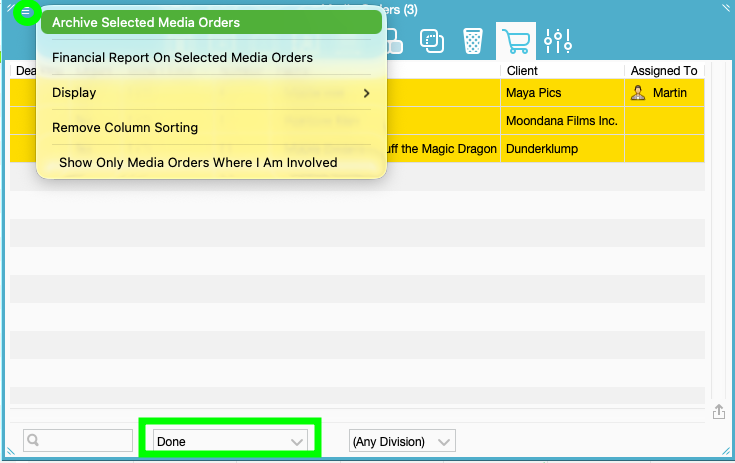
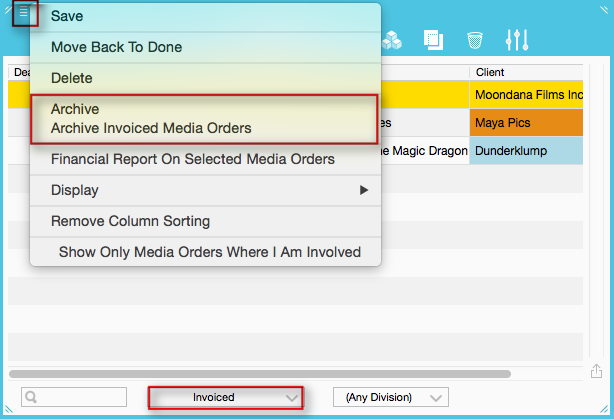

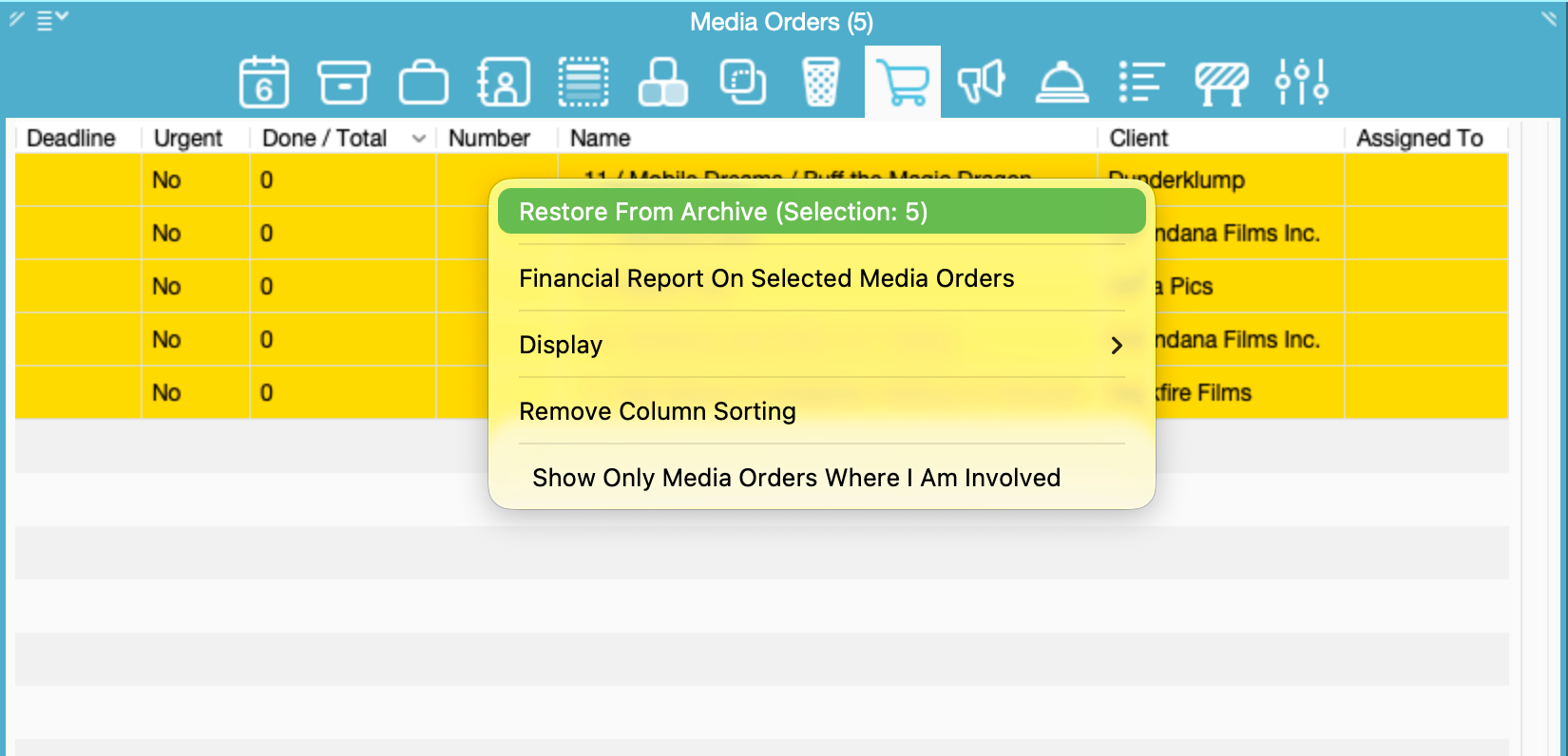
Since 7.4 it's also possible to bulk restore Media Orders. Select one or multiple Media Orders, right click > Restore From Archive (Selection: x)
Since 7.4 Media Orders will be restored to whatever Status they had before (Done/Invoiced)
Note: Archived MOs didn't have the Status Information before. So every MO already Archived before v7.4 restores to Invoiced, just like before.
Was this article helpful?
That’s Great!
Thank you for your feedback
Sorry! We couldn't be helpful
Thank you for your feedback
Feedback sent
We appreciate your effort and will try to fix the article