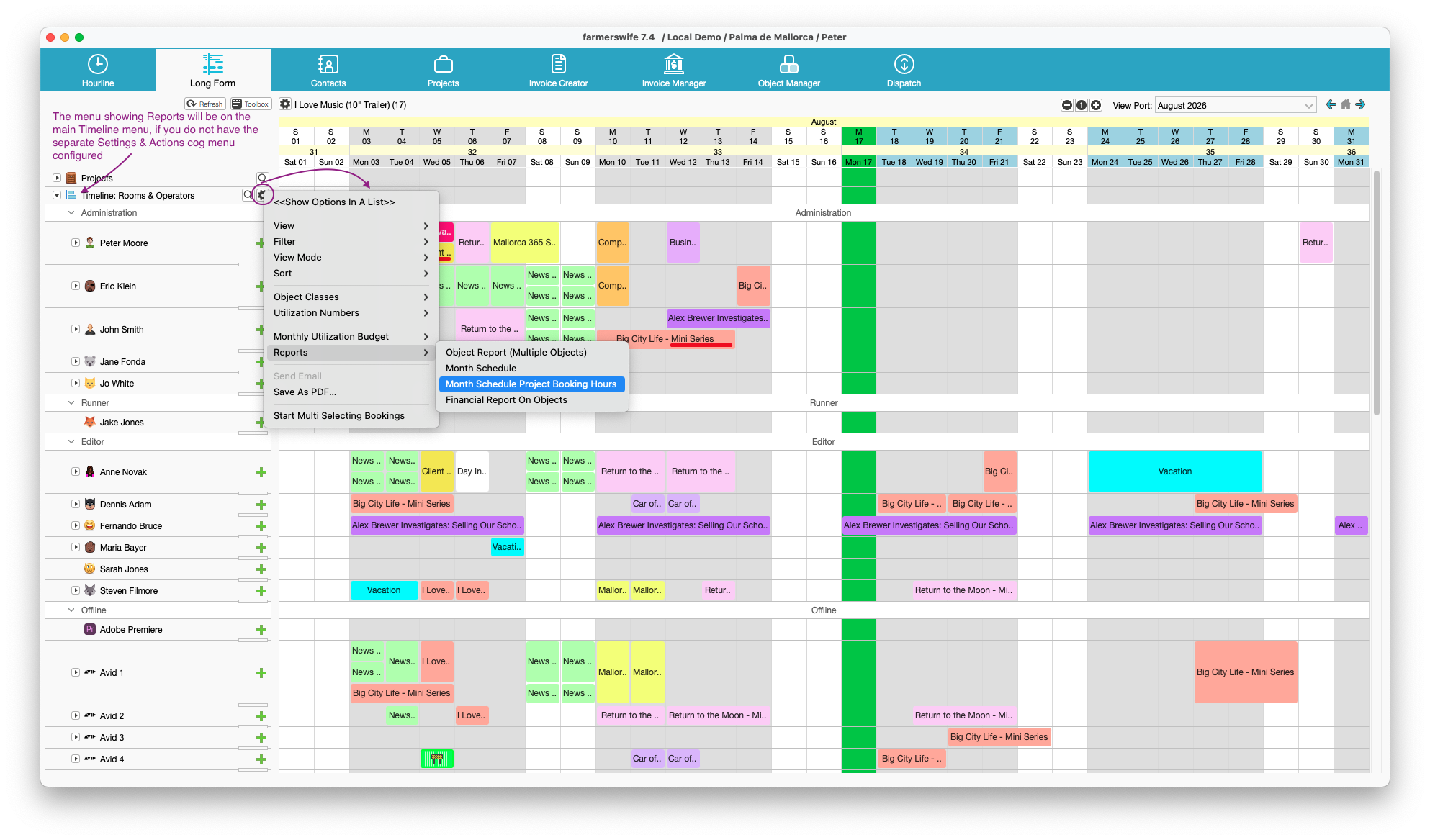
There are two types of reports that you can use from the timeline, that show you your monthly schedule. They are:
- Month Schedule
- Month Schedule Project Booking Hours
Month Schedule
This report can be obtained on the Hourline or Longform. It is hardcoded and cannot be further modified.
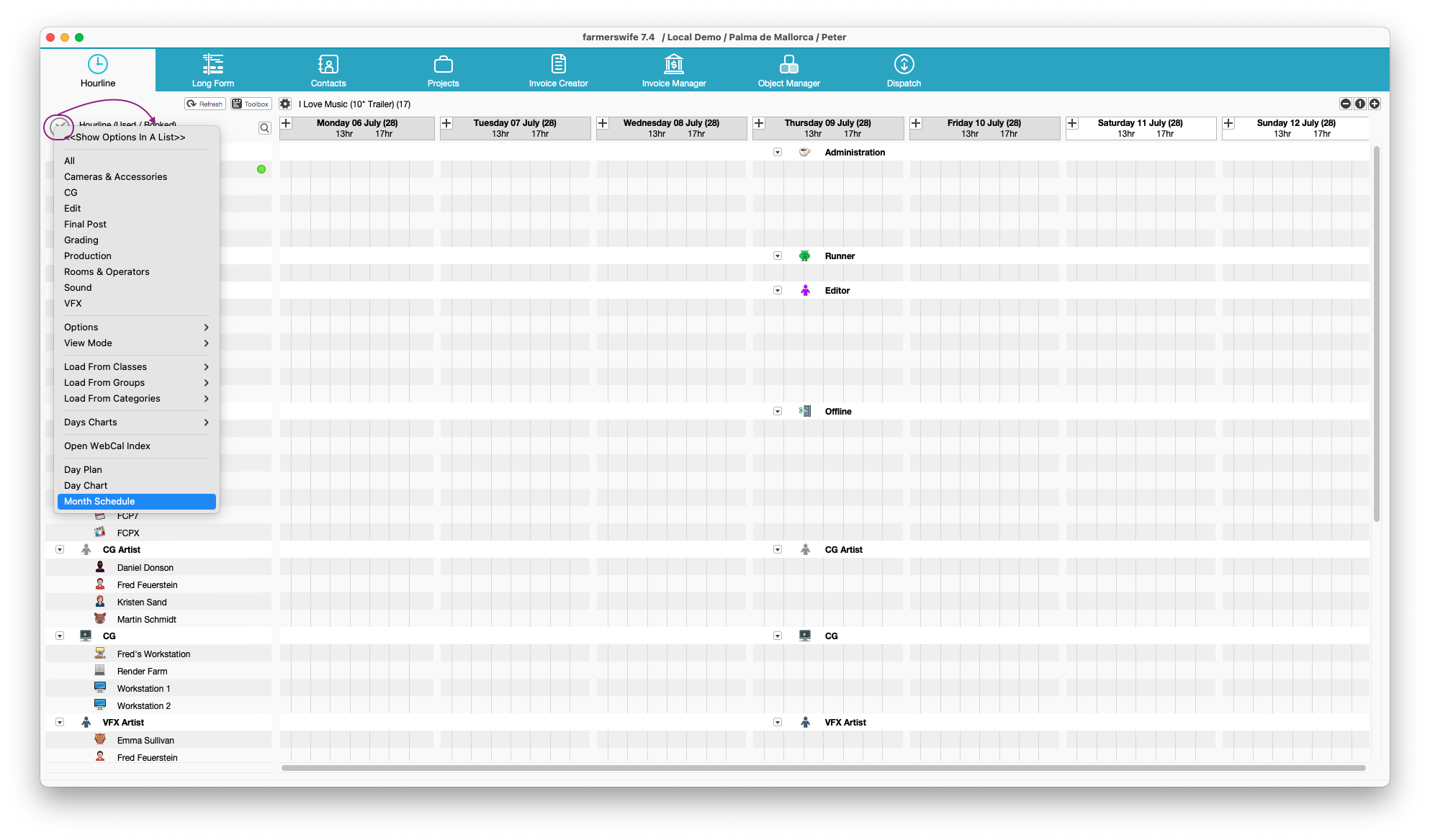
On the Hourline, it can be reached from the Hourline menu and will show the Month's Schedule for the month related to the Day/Week you are viewing (if you are displaying Mon 6th - Fri 10th July, the report will show July's schedule).
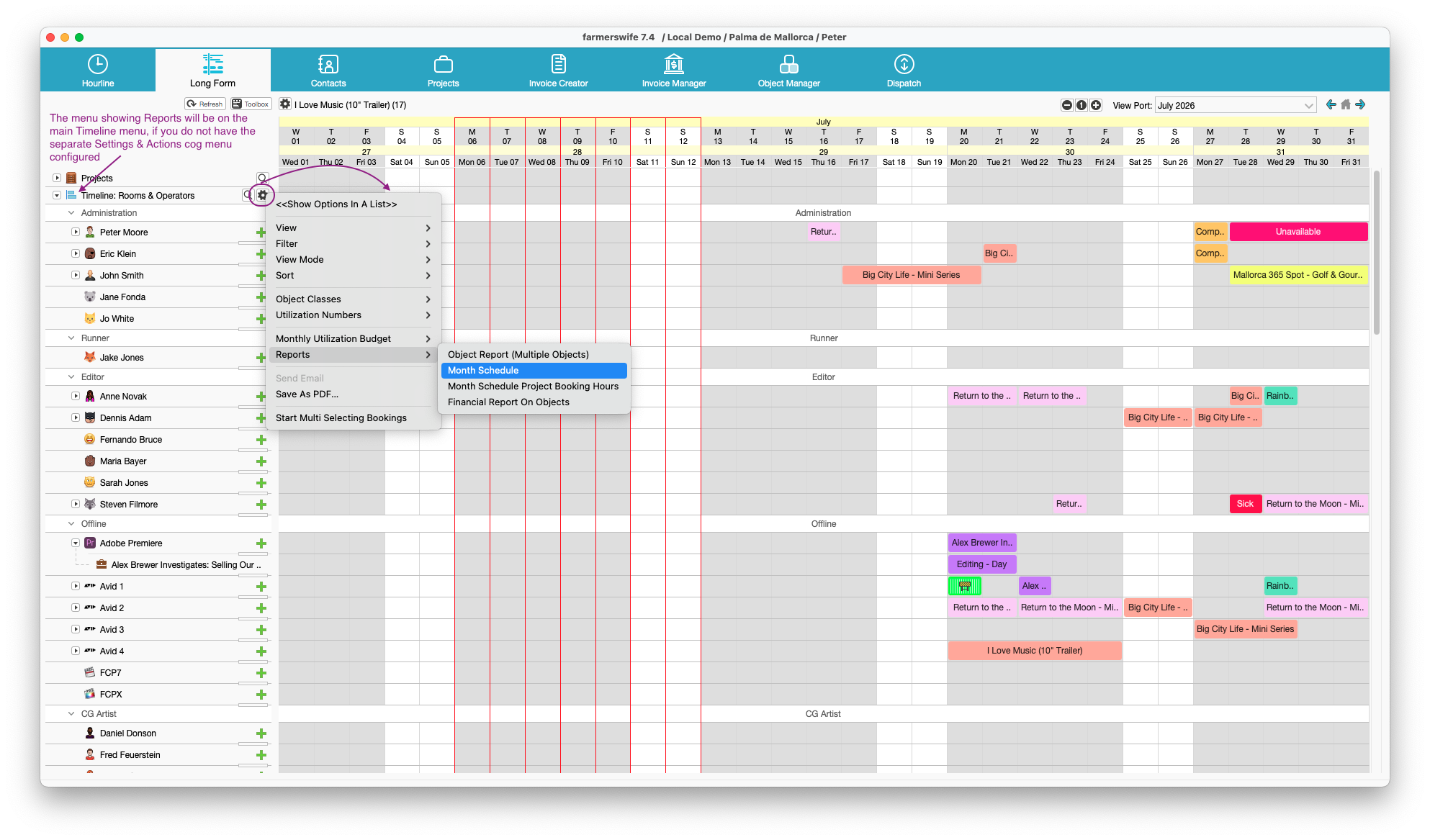
On the Longform, it can be reached via the Timeline and the Personnel Tree menus, or on the Hourline menu (when the Hourline is displayed). Here, the report will give you the schedule for the first month being displayed (if you are showing both July & August, the report will only show July's schedule).
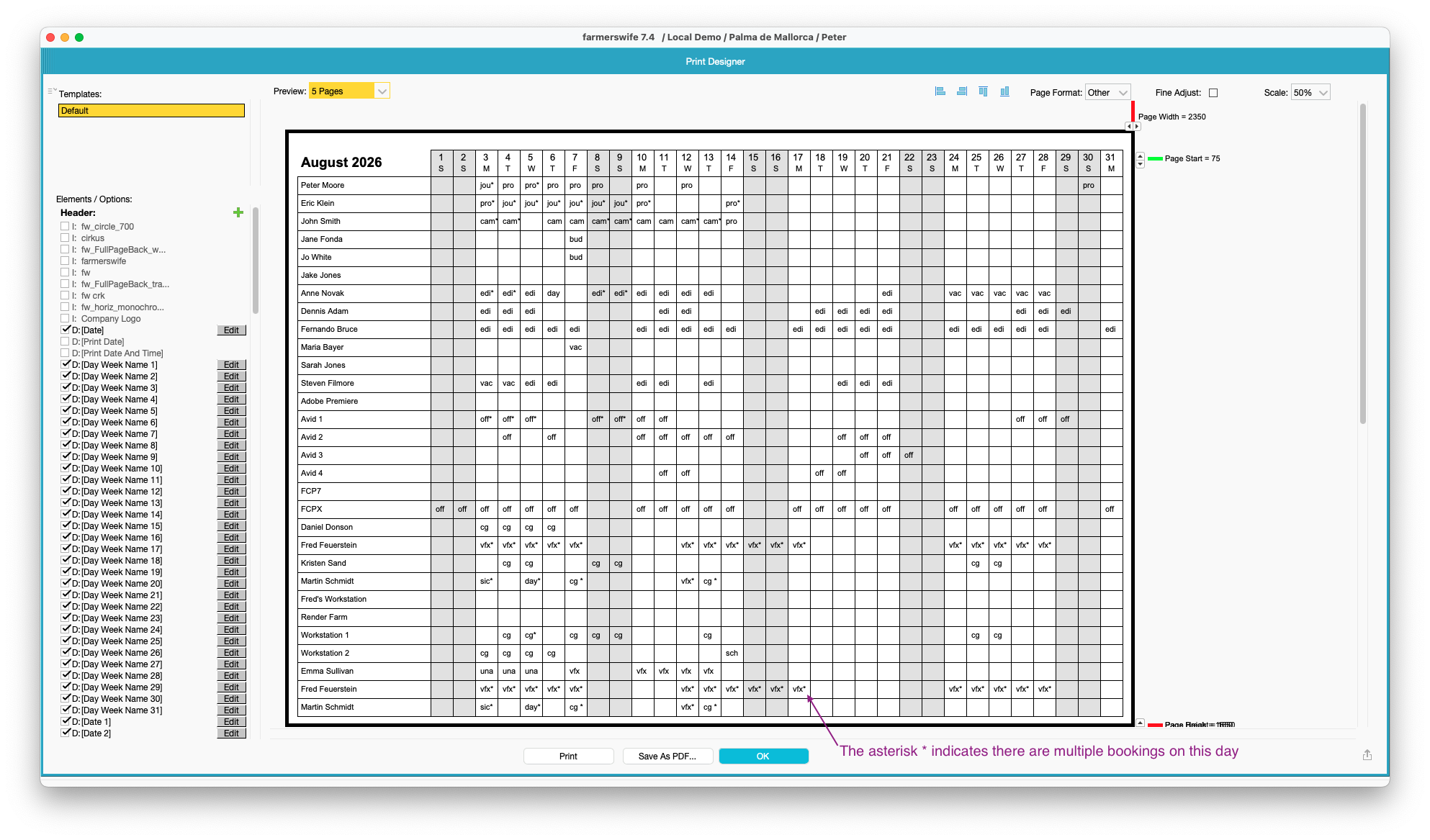
Both reports will show the schedule for the displayed Users, Objects, or Resources. The displayed information is the abbreviation for the booked Object Class or Personnel Type. If there are multiple bookings per day on the particular Object, the abbreviation shows an asterisk * next to it.
Month Schedule Project Booking Hours
Although similar to the above report, this can only be obtained through the Timeline menu. It is also hardcoded, and cannot be modified further. It will also only show the first month in view on the Longform (if you are showing both July & August, the report will only show July's schedule).
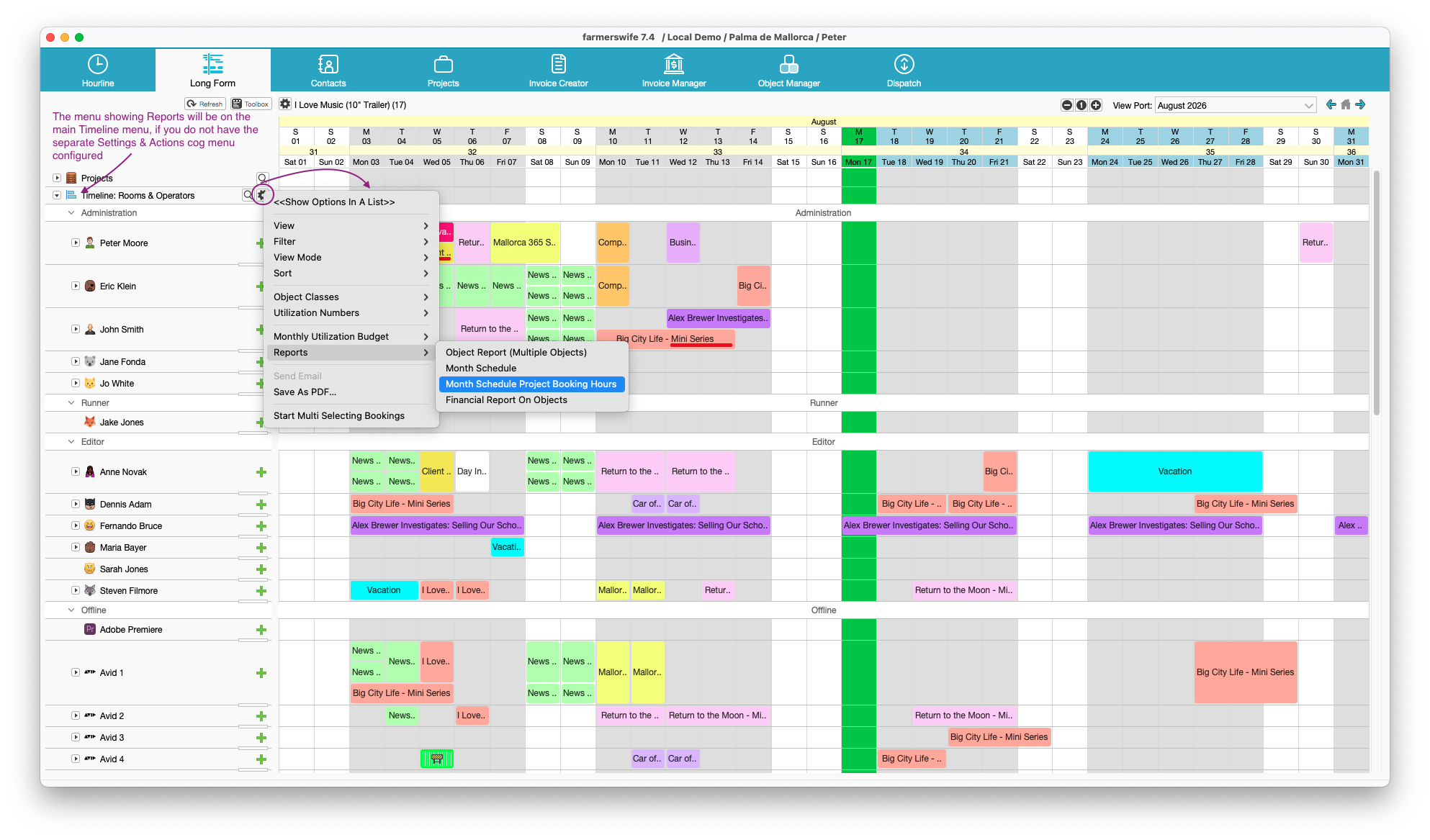
Unlike the Month Schedule report, this report shows the Booked Hours against the object for the particular day.
Was this article helpful?
That’s Great!
Thank you for your feedback
Sorry! We couldn't be helpful
Thank you for your feedback
Feedback sent
We appreciate your effort and will try to fix the article